How can we help?
Questions, a bug, or feedback? Email support@luddohouse.com — we usually reply within two business days. It helps to mention your device and, for a game problem, the room code.
Playing with friends
How do I invite friends?
Choose Play with friends, create a private table, then share the link or the six-character room code. Friends who open the link just enter their name to take a seat — no account needed, and it all runs in the browser. The host starts the game once everyone’s seated; empty seats can be filled with computer players.
A friend’s link says the table is full or already started
Tables only take new players before the game begins, and only up to the number of seats the host chose. Ask the host to start a new table or change the table size.
Quick match
How does quick match work?
Quick match looks for other people starting the same game with the same table size. The game starts as soon as the table fills. If it hasn’t filled after 10 seconds, it starts with whoever has joined, and computer players take the empty seats. Tap Wait longer to give people 45 more seconds to join, as often as you like.
During a game
What happens if I don’t take my turn?
Each turn has a short timer. If it runs out, the game plays that turn for you. After three missed turns — or if you’ve been away for a while — a computer player takes over your seat so the game can continue. Come back to the table to take your seat back.
How do I play?
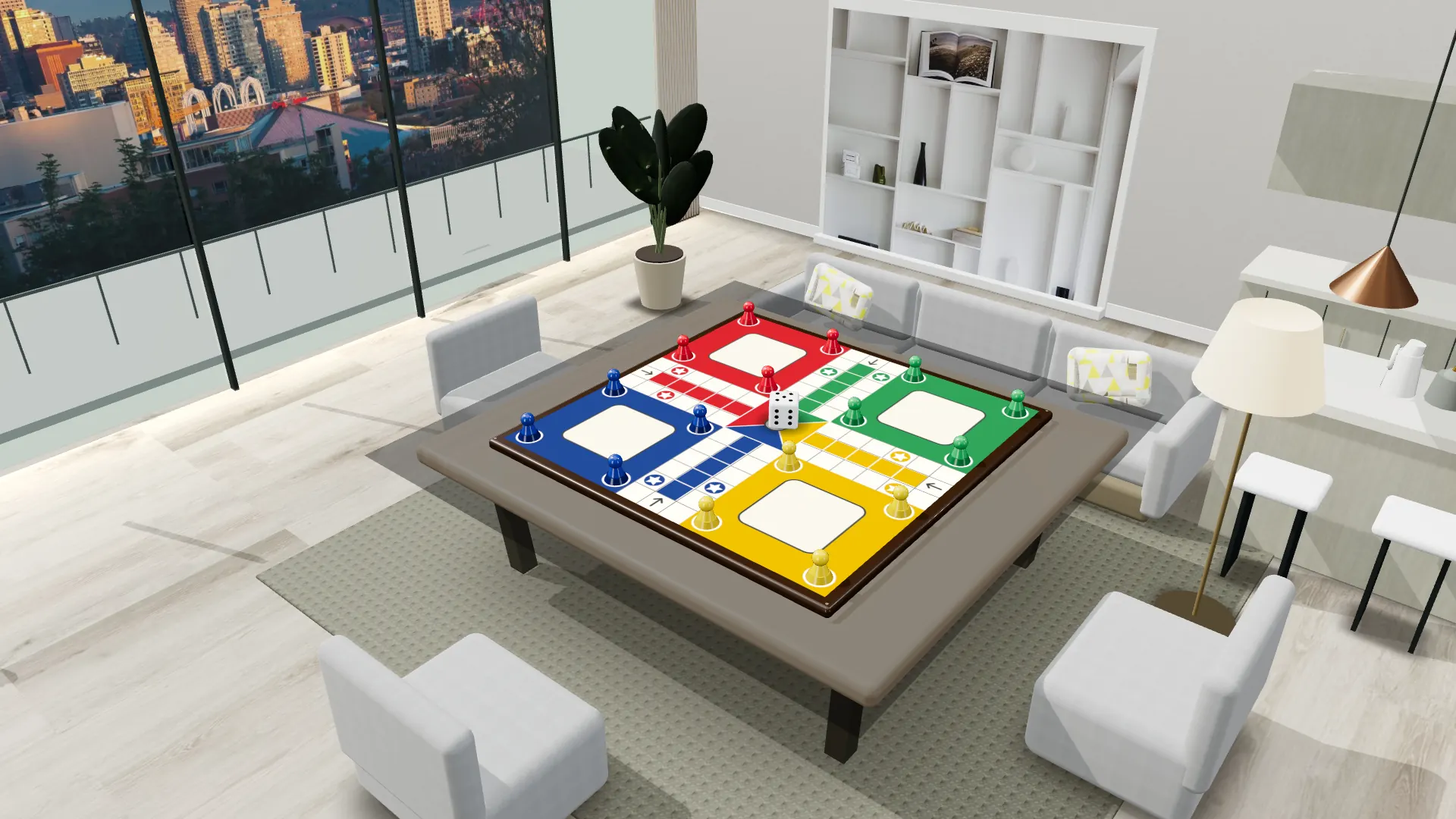
Luddo: roll a six to bring a piece out, race all four pieces around the board and into the center, and land on opponents to send them home. Snakes & Ladders: climb ladders, slide down snakes, and land exactly on 100. Tap ? at the top of the table for the full rules and controls.
Voice chat isn’t working
Tap Join audio at the table and allow microphone access when asked. If you declined earlier, turn it back on in your device’s settings (on iPhone: Settings → Luddo House → Microphone), then rejoin the audio.
Your account
Do I need an account?
No. You can play every mode without one. Signing in (with Apple, Google, an email or phone code, or Game Center in the iPhone and iPad app) keeps your name, avatar, wins and teams across devices and puts you on the leaderboard.
Can I sign in with Game Center?
Yes, in the iPhone and iPad app: open your profile and tap Continue with Game Center. Your first time creates an account; after that you’re signed back in to the same account on any device using the same Game Center account. Game Center isn’t available on the website, so to play there with the same profile, use the app.
How do I delete my account?
Open your profile, tap Delete account at the bottom and confirm. Your account, profile, photo, wins and the teams you own are deleted right away. If you can’t sign in anymore, email support@luddohouse.com from the email address, or with the phone number, you signed in with. See the privacy policy for details.
Safety
How do I report a player?
Email support@luddohouse.com with the room code, the player’s name and what happened. We review every report and may remove content or block players who break the rules.